 Canada
 United States
.svg.png) United Kingdom
United Kingdom Nigeria
Waiting feels longer with nothing to read
Ten minutes staring at a wall feels like thirty. A short loop of useful information gives people something to follow, and fewer of them come to the desk to ask how long it will be.
For clinics and pharmacies
Put health tips, wait-time notes and service information on the TV in your waiting room. Update it from your phone between patients, from CA$10 per screen per month.
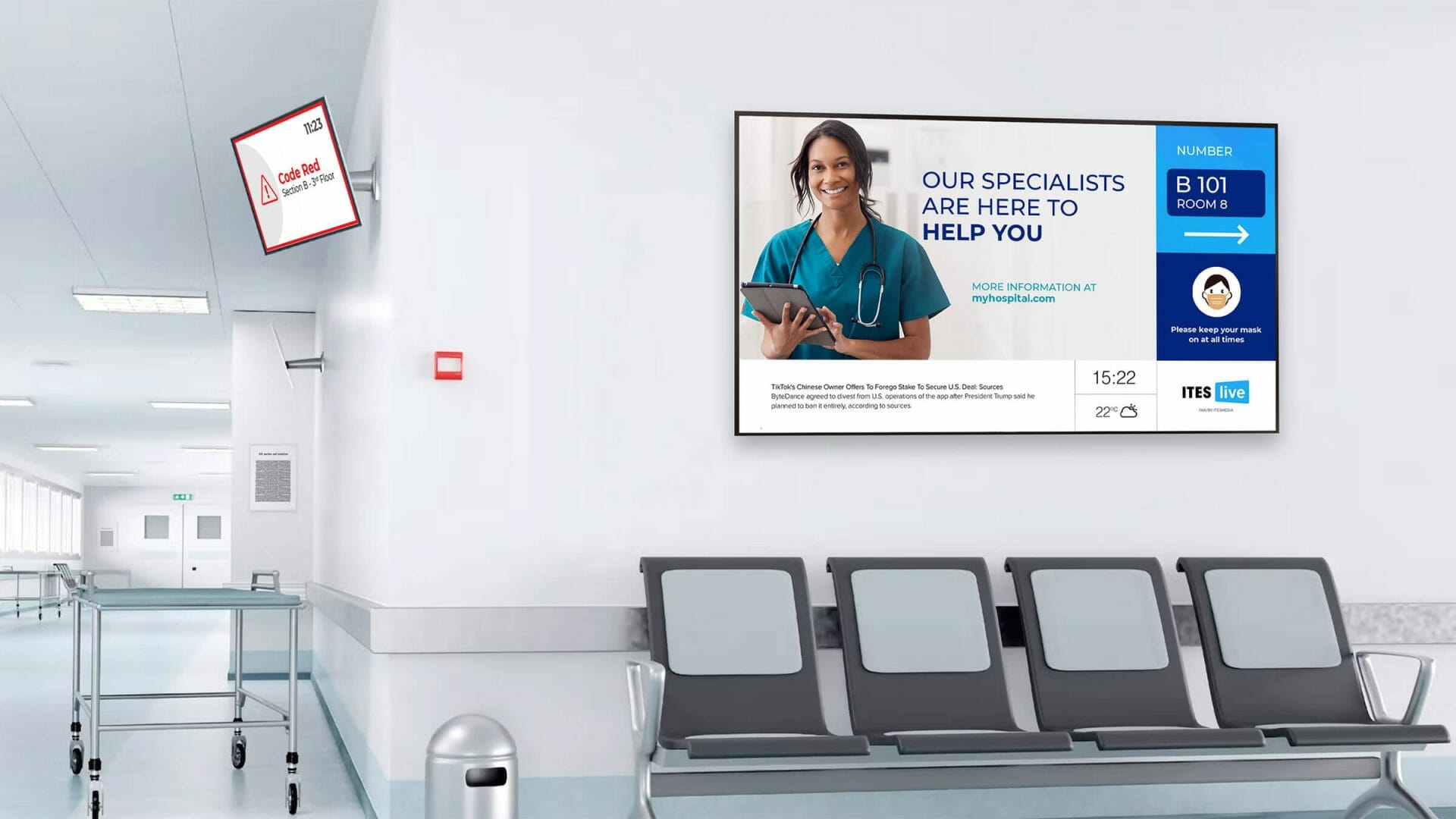
Patients sit, wait and look around. In many clinics the only thing to look at is a cable news channel or a noticeboard nobody has touched in months. A screen you control turns that time into something useful.
Ten minutes staring at a wall feels like thirty. A short loop of useful information gives people something to follow, and fewer of them come to the desk to ask how long it will be.
Flu clinic dates, holiday hours, new services and parking rules end up taped to every surface. Old ones stay up long after they stop being true. A screen shows only what is current.
A news channel in a waiting room can be loud, upsetting or full of other people's ads. Your own playlist sets a calm tone and talks about your clinic, your services and your patients' health.
No installer and no contract. If you have a TV on the wall and Wi-Fi, you can be live the same day.
Sign up free. Your 30-day trial covers one screen, with no card.
Samsung Smart TV, Fire TV, Google Play, Raspberry Pi or the Web Player.
Upload images, short videos or a PDF, or show a web page. Build a playlist.
Set what plays in the morning, the afternoon or on clinic days. Change it from anywhere.
What to show
Good waiting room content is short, calm and easy to read from a chair across the room. Here is what works in medical, dental and pharmacy settings.
Seasonal reminders about flu shots, hand washing, sun safety, allergies or oral care. One idea per slide.
"We are running about 20 minutes behind today. Thank you for your patience." Change it in seconds from your phone.
Tell patients what else you do: vaccinations, medication reviews, physiotherapy, whitening, or a new practitioner joining.
Holiday hours, walk-in times and the date of the next flu clinic, scheduled to appear and disappear on their own.
Put a QR code on a slide that opens your online booking or intake form, so patients can book their next visit while they wait.
Check-in steps, the washroom, parking and payment options. The questions your front desk hears every hour.
Start with one TV in the waiting room. Add more where patients stop and look.
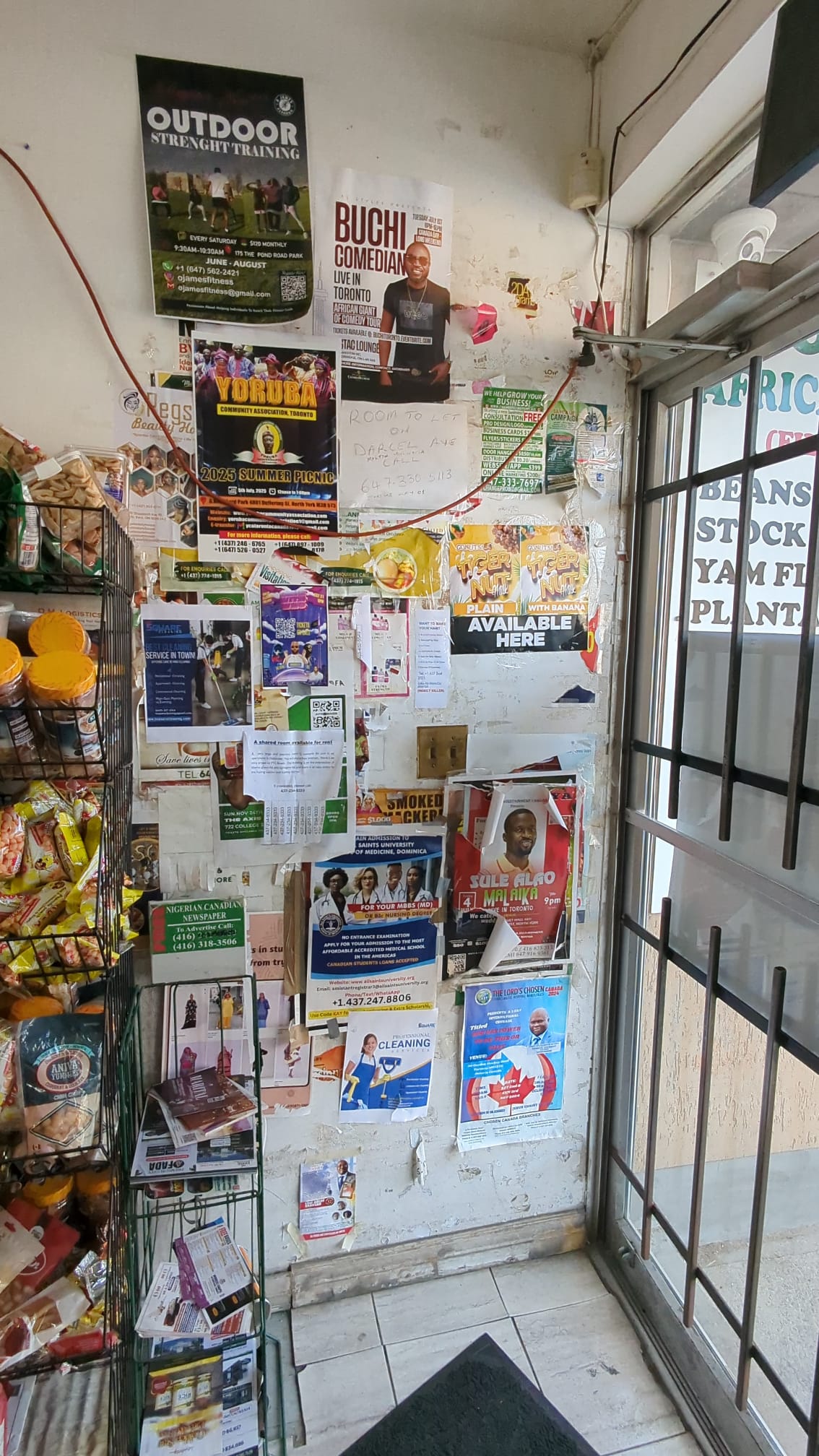
One screen holds every notice you would have printed, in order, and only the current ones. No tape, no curling paper, no out-of-date flyers.
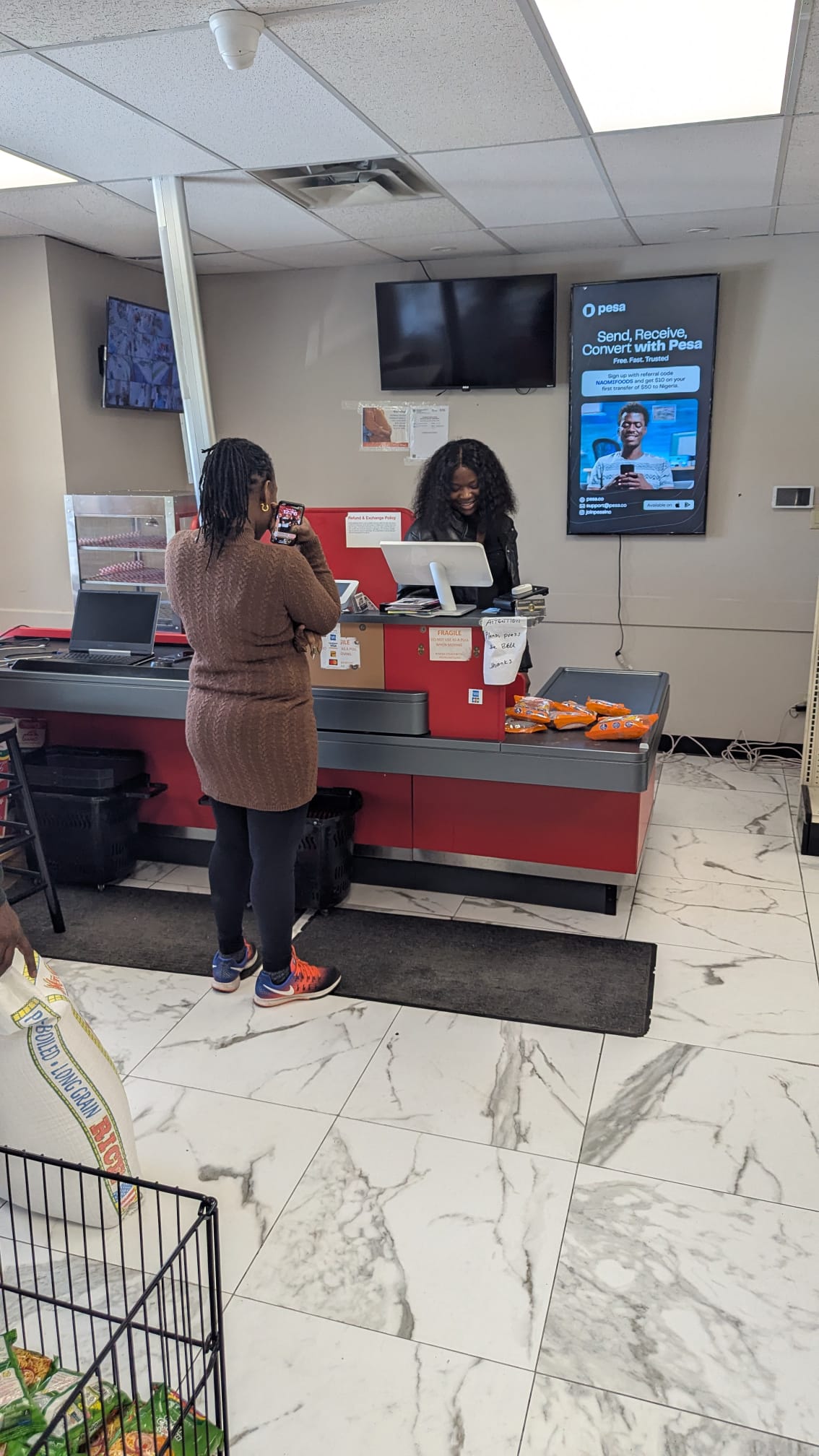
A portrait screen behind the counter can show vaccination days, medication review appointments and store hours to everyone waiting for a prescription.
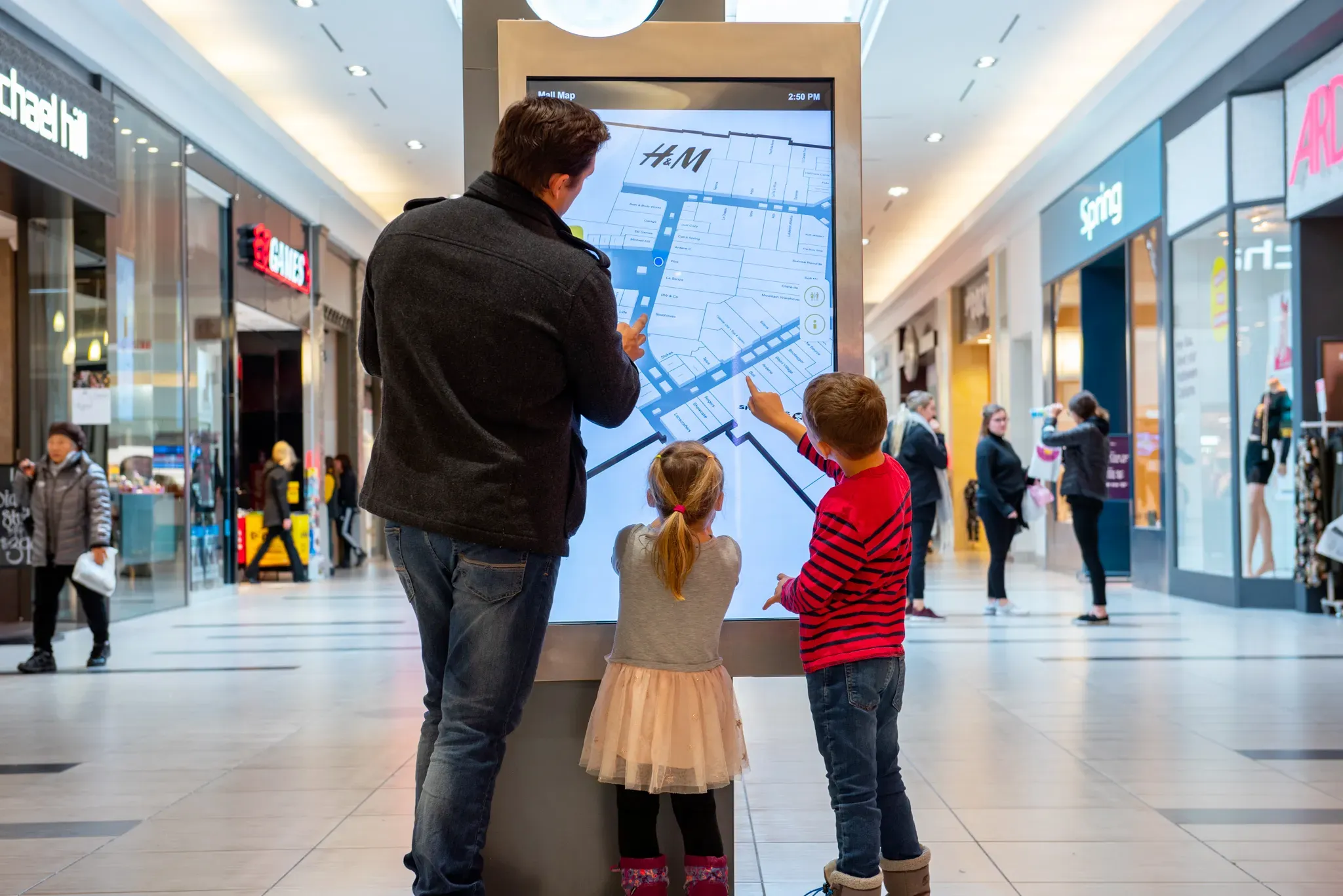
Medical buildings with several practices can show a directory by floor and suite, and update it the day a new tenant moves in.
Privacy
A waiting room screen is public. Anyone in the room can read it, and anyone can take a photo of it. Treat it like a poster in the window, not like the chart on your desk.
Patient names, appointment times tied to a name, health card numbers, test results, or anything else that could identify a person or their care. Call patients at the desk or in person, not on the TV.
VYPA plays the images, videos, PDFs and web pages you add to a playlist. It does not read your booking or records system, so nothing from it appears on screen unless someone on your team puts it there.
A simple rule for your team: if a slide would be fine printed and taped to the front door, it is fine on the waiting room screen. If not, leave it off.
Built in
Nobody at a clinic has time to fiddle with a TV. VYPA is built so one person can keep every screen current in a few minutes a week.
Upload slides, short clips and PDF handouts. Web pages work too.
Set the order and how long each slide shows, then let it loop all day.
Flu clinic slides in October, holiday hours in December, set once in advance.
Split the screen: health tips on one side, today's notices on the other.
If the clinic Wi-Fi drops, the screen keeps playing what it has stored.
On Pro, push an urgent notice such as a closure to every screen at once.
Running more than one location? Enterprise adds multi-location management, team access with role-based permissions and a content approval workflow, so a head office can sign off before anything goes live. See everything VYPA Signage does
Start with the waiting room. Add the counter or a second room at the same rate, or move to a plan when you grow.
CA$10 / screen / month
One screen licence with playlists, scheduling, templates and layouts. Add more screens at the same rate.
Start free trialCA$35 / month
Five screen licences at one flat rate, with advanced scheduling, emergency override and remote screen monitoring.
Choose ProCA$100 / month
Unlimited screens across locations, with team permissions, content approval and an uptime SLA.
Talk to salesYour screen can help pay for itself. Hosting ads is optional and free to join. If you opt in, you keep 70% of net ad revenue after processing fees. How hosting works
Many waiting rooms start with a news channel or a slideshow on a USB stick. Here is what changes when you run the screen from VYPA.
| Task | TV channel or USB | VYPA |
|---|---|---|
| Show your own services | Not on a TV channel | Your playlist, your message |
| Post today's wait time | New file, walk to the TV | From your phone |
| Seasonal clinic dates | Swap it by hand | Scheduled ahead |
| Several rooms or sites | One stick each | One dashboard |
| Wi-Fi goes down | USB keeps playing | Keeps playing offline |
| Earn from the screen | No | Optional, 70% of net ad revenue |
VYPA Basic is CA$10 per screen per month. Pro is CA$35 per month for five screens, and Enterprise is CA$100 per month for unlimited screens. See pricing for everything each plan includes.
Yes. Every account starts with a 30-day free trial on one screen. You do not need a credit card to start.
A TV and one of the players VYPA runs on: the Samsung Smart TV app, Amazon Fire TV, Android or Google TV through Google Play, a Raspberry Pi 4 or 5, or the Web Player in a browser. LG, VIDAA (Hisense) and Roku are coming. The player setup guide walks through each one.
No, not unless someone puts it there. VYPA plays the images, videos, PDFs and web pages you add to a playlist. It does not read your booking or records system. Keep names, appointment details and anything else that identifies a patient off the screen.
You can post a wait-time message and change it from your phone in seconds. If your booking or queue system has its own web page view, the screen can show that page too.
Yes. The same tools work in a dental office, a family practice, a physiotherapy clinic or a pharmacy. You choose the content, so a dental office can show oral care tips and a pharmacy can show vaccination days and store hours.
The screen keeps playing. The player stores your content and plays it offline, then picks up changes when it reconnects.
No. A VYPA Signage screen shows only your content. Hosting ads is a separate, optional program. VYPA Host is free to join, and if you opt in you earn 70% of net ad revenue after processing fees, paid automatically every month or on request.
Also useful: digital signage for other industries, setting up a VYPA Player and how VYPA compares.
Start on one screen for 30 days, free. If patients read it and your front desk gets fewer questions, keep it for CA$10 a month.
No card needed. VYPA Technologies Inc., Alliston, Ontario.