 Canada
 United States
.svg.png) United Kingdom
United Kingdom Nigeria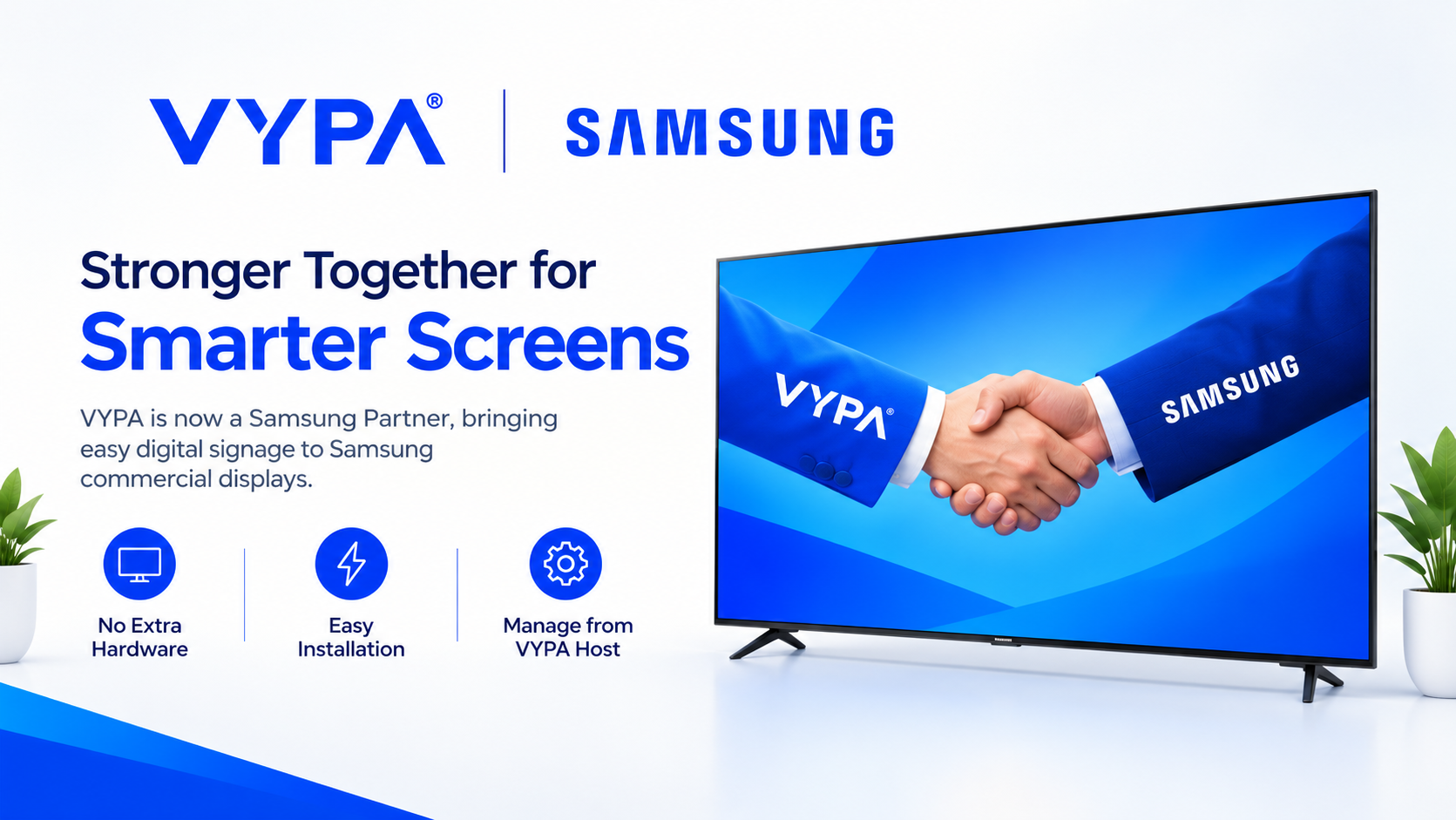
A New Milestone for VYPA
VYPA is making digital signage simpler with a major development: its software can now be installed directly on compatible Samsung commercial displays.
Following a partner certificate from Samsung Electronics’ Visual Display business, screen owners can install VYPA without registering each screen individually or connecting an external media player, streaming stick, or extra box.
This means fewer setup complications and a simpler way to turn ordinary commercial displays into smart, connected screens.
What Can VYPA Do on Samsung Displays?
With VYPA installed, compatible Samsung commercial displays can:
- Play downloaded videos even when internet connectivity is slow or temporarily unavailable.
- Display content in landscape or portrait orientation.
- Show local time and weather based on the screen’s location.
- Run daily riddles and trivia to keep audiences engaged.
- Receive player updates automatically when the screen powers on.
How to Install VYPA
Installation is straightforward on supported Samsung displays with URL Launcher:
- Connect the screen to the internet and enable automatic time settings.
- Go to Menu → System → Play via (or Play Mode) and select URL Launcher.
- Open Home → URL Launcher Settings → Install Web App.
- Enter http://packages.vypa.co/samsung and select Done.
- Once the app opens and displays a pairing code, visit VYPA Host, select Screens → Add Screen, name your screen, and enter the code.
Your screen is then ready to be managed through VYPA Host.
Which Samsung Screens Are Compatible?
The installation method supports Samsung commercial displays with URL Launcher on the Samsung Smart Signage Platform, including selected QM, QB and QH series models.
Samsung home TVs are not supported through this method. Some older commercial displays may require a software update before installation.
A Simpler Future for Digital Signage
This milestone gives businesses and screen owners a more convenient way to manage their displays and deliver engaging content, while helping brands reach audiences through digital screens.
VYPA thanks the Samsung Electronics Visual Display team for its partnership and support.
Ready to get started?
Visit VYPA Host to manage your screens, or explore the VYPA Host product page to learn more.
VYPA — More Visibility for You.